

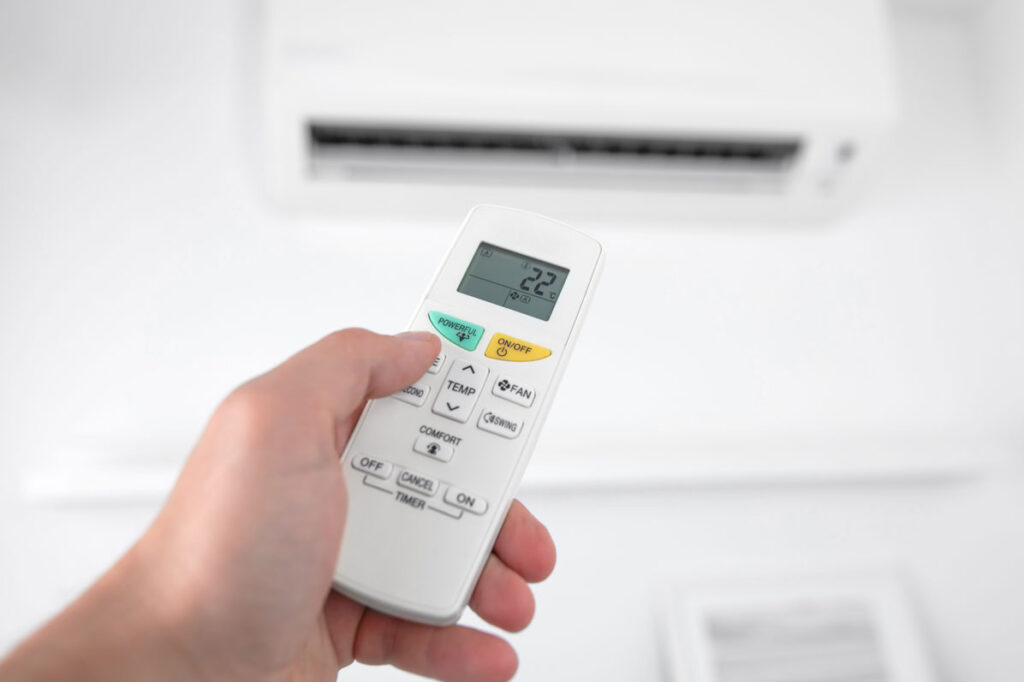
You pick up the air conditioning remote, but all you see are strange little symbols. Which button do you need to make it warmer, and what does that droplet icon actually do? It makes perfect sense that these controls are confusing to many people.
In this blog, we provide a simple explanation for all the symbols and buttons. We will look at the differences between brands such as Mitsubishi and Daikin. After reading this article, you will know exactly how to set your air conditioning perfectly.
- Symbols on the air conditioning remote control: What do they mean?
- Buttons on the remote control: Mode, Fan, Swing, and Timer
- Remote control per brand: What are the differences?
- How do you set the best temperature via your remote control?
- Saving energy with your remote control
- Frequently asked questions about the air conditioning remote control
- Conclusion
Symbols on the air conditioning remote control: What do they mean?
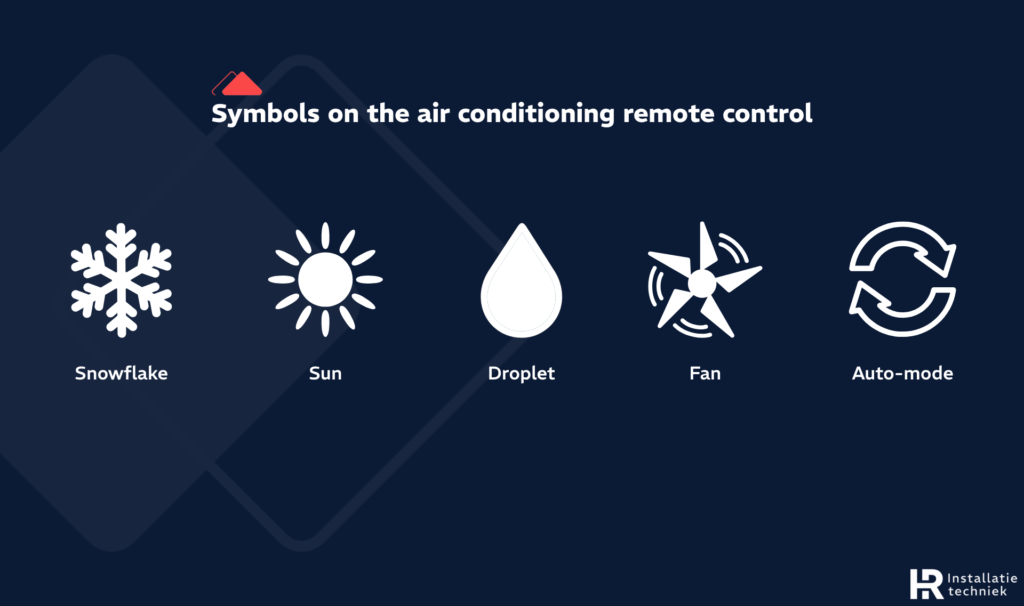
Various symbols on air conditioner remote control
Most air conditioners use universal icons, but they can sometimes be unclear on a small screen. Here are the most common symbols on your air conditioning remote control:
- Snowflake: This symbol stands for the cooling mode.
- Sun: Use this to activate the heating function.
- Droplet: This icon stands for dehumidifying. While it is often thought that this mode also cools, this is a misconception; this mode reduces the humidity without significantly lowering the room temperature
- Fan: Use this for air circulation without active cooling or heating.
- Auto-mode: The setting where the air conditioner chooses the best setting itself.
Tip: Do you want to know exactly how each mode works and when it is best to use them? Then read our extensive blog about air conditioning settings for all details per mode.
Buttons on the remote control: Mode, Fan, Swing, and Timer
In addition to icons, there are also important buttons on the remote control:
- Mode button: Use this to choose between cooling, heating, or ventilating.
- Fan: This determines how hard the air conditioner blows (low, medium, or high).
- Swing: This button moves the louvers of the air conditioner to better distribute the air throughout the room.
- Timer: Use this to set when the air conditioner should automatically turn on or off.
- Sleep button: This is the night mode; the air conditioner regulates the temperature automatically so you sleep well.
Remote control per brand: What are the differences?
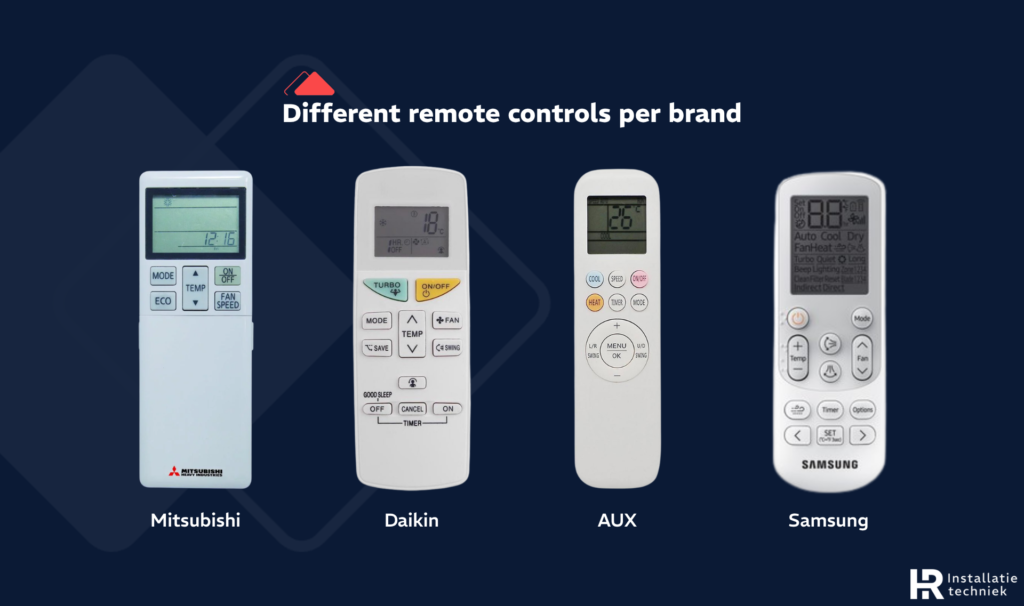
Remote controls compared by brand
Although most air conditioners look alike, every brand has its own buttons and icons. Below you can read the main differences between the well-known brands:
- Mitsubishi: The remote control of a Mitsubishi air conditioner is very clear. You can quickly find the most used symbols and buttons here.
- Daikin: On Daikin remotes, the icons sometimes look slightly different. They also often have special functions that belong only to this brand.
- AUX: The symbols and operation of an AUX air conditioner are usually very simple and straightforward.
- Samsung and LG: These brands often do things slightly differently than the rest. The menus and extra options may deviate from what you are used to.
- Universal remote: If you have lost the original remote, you can often use a universal version. You must set it up with the correct code for your brand.
Tip: Is your air conditioner not working? Always check the batteries first or reset the remote control.
How do you set the best temperature via your remote control?
It is tempting to set the air conditioner to 16 degrees when it is scorching hot outside, but that is not smart for your comfort or your wallet. A good rule of thumb is to make it a maximum of 6 degrees cooler inside than outside. This prevents you from getting a sore throat or a cold.
Additionally, it is smart to look closely at the blowing direction. Use the remote control to set the louvers so that the cold air does not blow directly onto your body. If you find it difficult to choose the right setting, the auto-mode is often the best choice. In this mode, the air conditioner decides for itself how to get the room to the desired temperature comfortably.
Saving energy with your remote control
You can save a lot of electricity with a few button presses. Most modern devices have a special Eco-mode. If you turn this on, the air conditioner works a bit more quietly and consumes less energy. The timer is also a handy tool. It ensures that the air conditioner is only on when you are actually in the room.
Tip: Do you want to know exactly how to save the most per setting? Then take a look at our blog about air conditioning settings.
Finally, do not forget that a clean air conditioner works much more efficiently. If the filters are full of dust, the device has to work much harder to cool or heat the room. By making smart use of the settings and maintaining your device well, you can enjoy a pleasant home without the energy bill becoming too high.
Maintenance Tip: For efficient consumption, it is important to check your filters regularly. Read all about this in our blog on cleaning air conditioner filters.
Frequently asked questions about the air conditioning remote control
Conclusion
Your AC remote might seem complicated at first glance, but once you recognize the universal symbols, setting the ideal climate is actually quite simple. Whether you choose the cooling mode on a hot day or use the energy-efficient Eco mode: you now have full control over your comfort and your energy bill.
However, keep in mind that even the best settings cannot compete with a poorly maintained system. For optimal performance and low energy consumption, it is essential that your AC filters are clean. Are you having trouble with the settings, or is your air conditioner due for a professional service? Feel free to contact HR Installatietechniek. We will ensure your system responds perfectly to every press of a button.